FEATURE · WIDGETS & SHORTCUTS · FREE
Log an expense without opening the app.
TrackExpenses puts expense entry and your budget on the Home Screen, the Lock Screen and in Control Center, and gives Siri and Shortcuts actions for logging, checking your budget and importing bank and Wallet purchases.

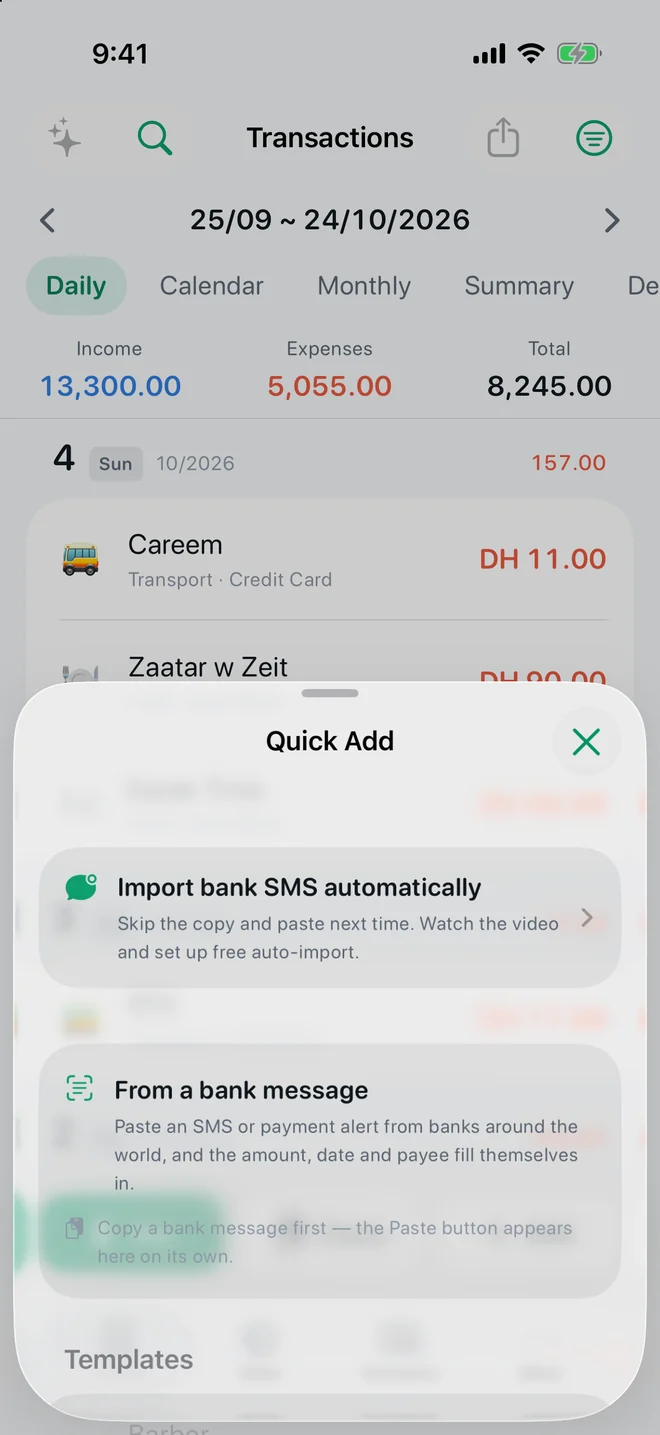
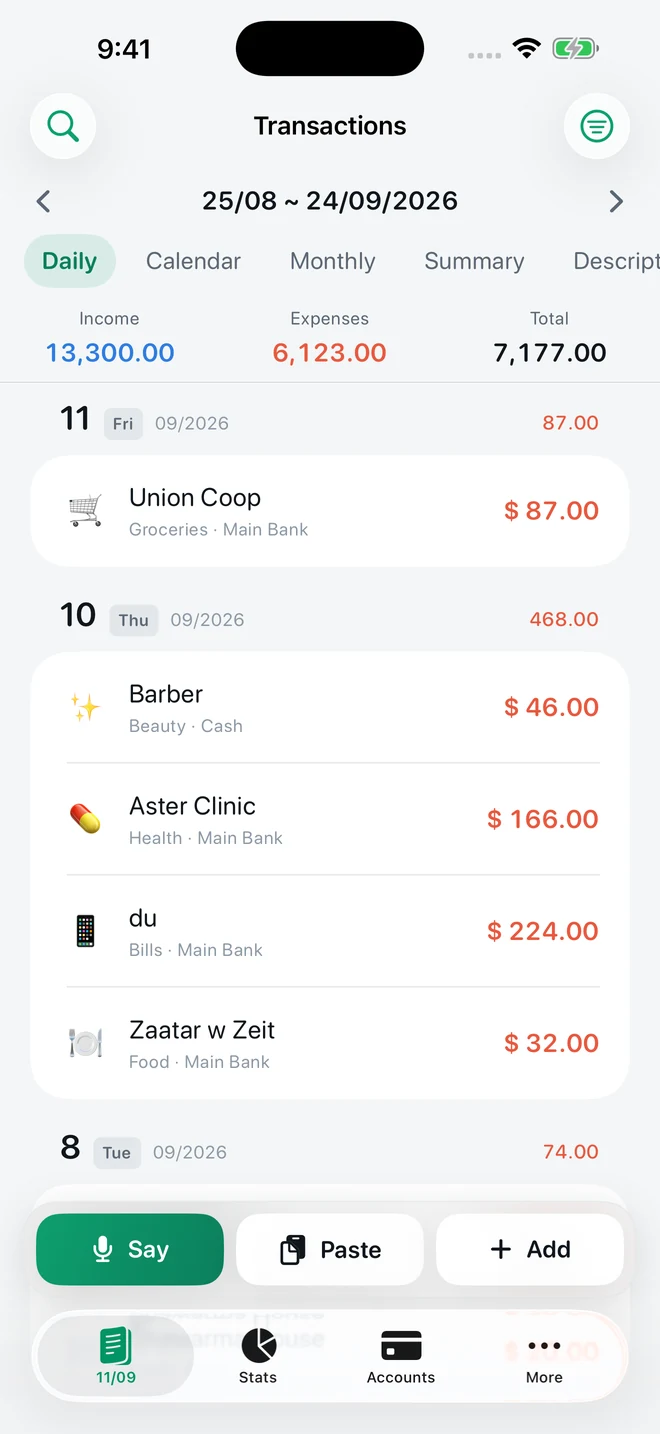
Real app screens with example records.
Widgets
- Budget: what is left to spend this period — Home Screen and Lock Screen sizes.
- Spending Overview: today's spending and the period's income and expenses.
- Quick Add: add an expense by typing, voice or a bank message; a Lock Screen microphone opens Say it.
Control Center
On iOS 18 and later, add Say an Expense and Paste an Expense to Control Center or the Lock Screen. Copy a bank alert, swipe down, tap Paste an Expense and the draft is ready.
Siri and Shortcuts
Actions include Log an Expense, Log Income, Say an Expense, Paste an Expense, Budget Remaining, Import Bank Message and Import Wallet Transaction. Ask Siri “What's left in TrackExpenses”, or build a Wallet automation that logs Apple Pay purchases on selected cards (see the Apple Pay guide).
Quick Add and templates
The Quick Add button holds two shortcuts: paste a bank message to fill the amount, merchant and date, or tap a saved template for the things you buy every week. Turn on “Save as template” in the entry sheet to make one. A daily reminder (More → Daily Reminder) nudges you if you like a habit.
Questions
Are widgets free?
Yes. All widgets, Control Center buttons, Shortcuts actions and templates are free. The voice entry they open requires Pro.
Which iOS do I need for Control Center buttons?
Control Center and Lock Screen controls need iOS 18 or later. Widgets and Shortcuts actions work from iOS 17.
Your money, easier to follow.
Expense Tracker: SMS & Voice for iPhone and iPad.
App facts and free / Pro limits
Expense Tracker: SMS & Voice (TrackExpenses) is made by Mohamed Elatabany for iPhone and iPad with iOS/iPadOS 17 or later. The interface is English. No app account or bank login is required. Optional Shortcuts automations import supported bank SMS and Wallet purchases; the app does not read your Messages inbox. Voice entry creates on-device drafts on compatible devices and languages and requires Pro. The free ledger includes unlimited manual transactions, budgets, historical stats, search, monthly CSV export, private iCloud sync, 3 accounts, 3 recurring rules and 20 successful automatic bank SMS imports per calendar month per device. Pro adds unlimited SMS imports, accounts and recurring rules, forecasts, daily budget guidance, what-if planning, voice entry, CSV import, date-range CSV exports, full JSON backup and restore, themes and alternate icons. Monthly and annual subscriptions and a one-time lifetime purchase are available. Spending calculations depend on your records and are not financial advice.