Real app screens · example records · Pro guidance shown
No bank loginNo app accountOptional private iCloud syncEnglish interface
0bank logins or app accounts needed
20free automatic SMS imports every month
1–31any day of the month can start your budget
116currencies recognized in bank alerts
LESS ADMIN. MORE CLARITY.
Three ways to make tracking feel effortless.
Keep the habit. Skip some of the typing.
01 / SAY IT PRO
A few words. A few purchases. All caught up.
“Coffee 5, taxi 18, and groceries 85 at Carrefour yesterday.”
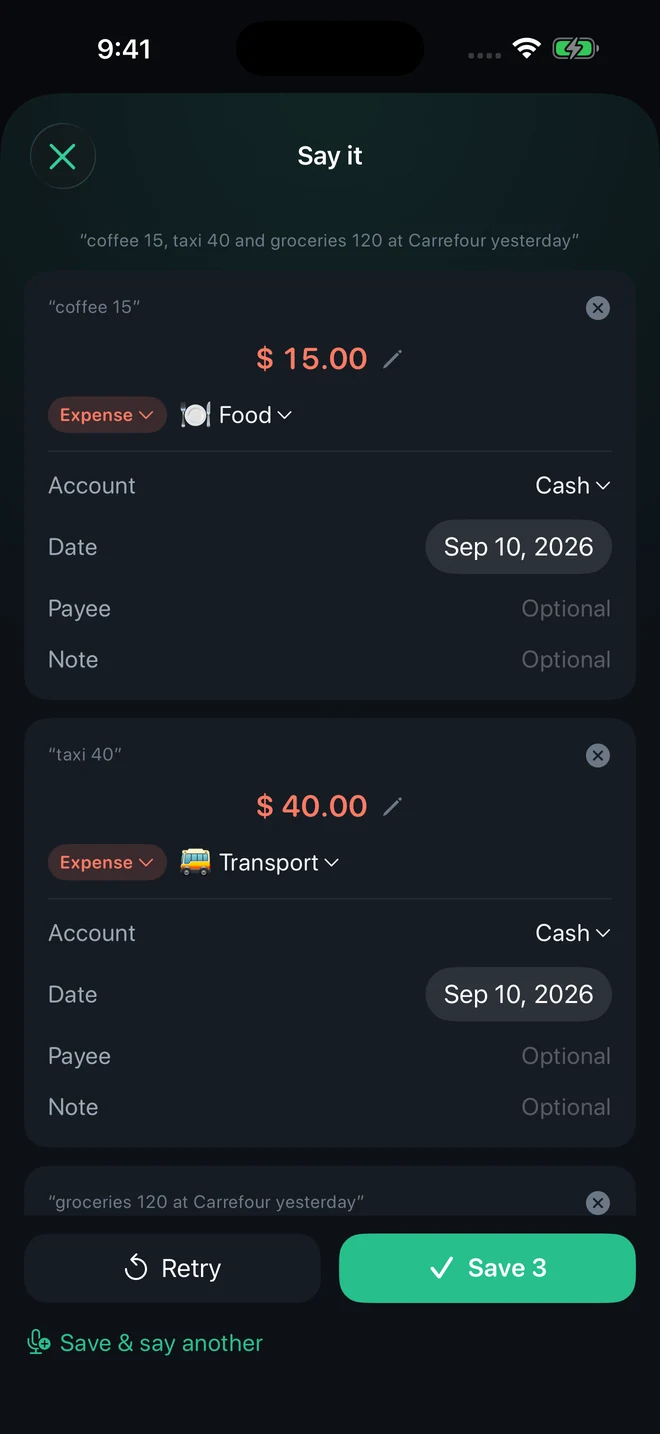
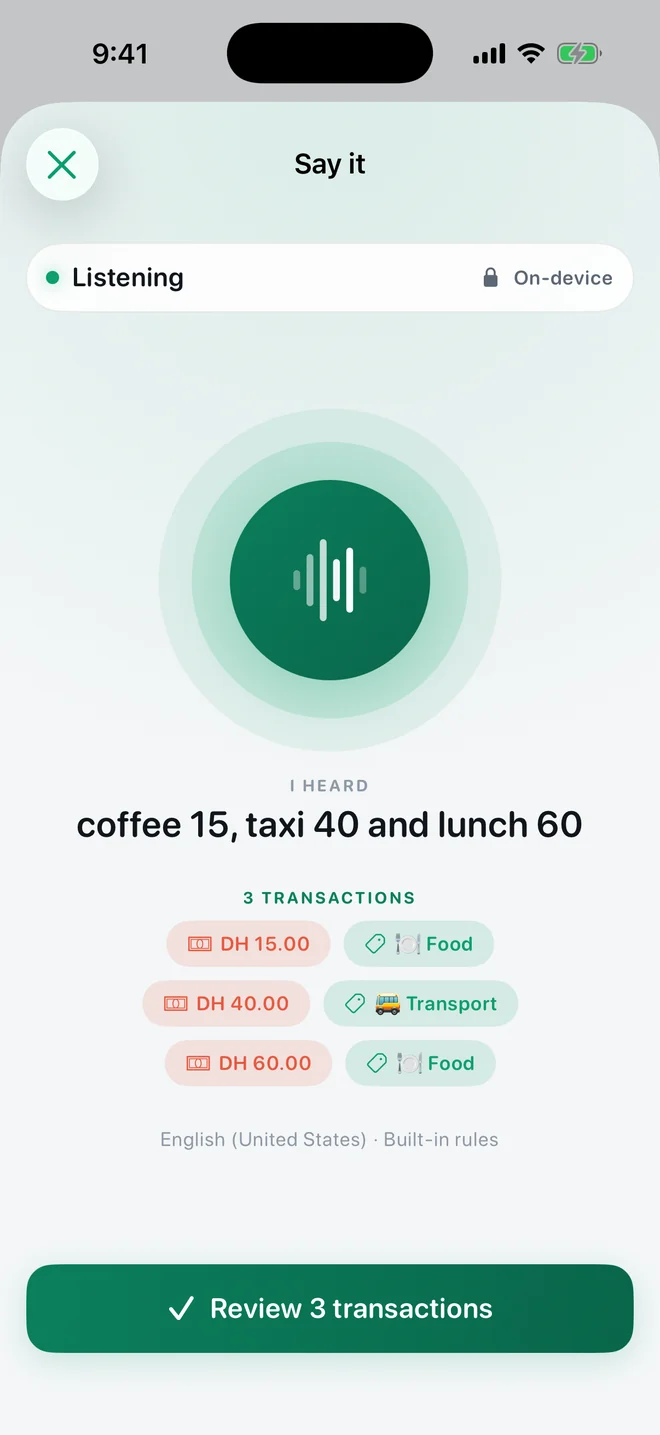
Say one purchase or several. TrackExpenses listens, shows what it understood while you speak, stops on its own when you pause, and turns your words into drafts on your device. Check the amounts, categories and dates, then save.
“coffee 5, taxi 18 and groceries 85 at Carrefour yesterday”
“coffee 5”
USD 5
Expense🍽️ FoodCash · Today
“taxi 18”
USD 18
Expense🚌 TransportCash · Today
“groceries 85 at Carrefour yesterday”
USD 85
Expense🛒 GroceriesCarrefour · Yesterday
↺ Retry✓ Save 3
✓ 3 saved · USD 108 spent · last: Carrefour
Illustrative animation of the Say it flow. Example purchases.
02 / BANK SMS FREE ALLOWANCE
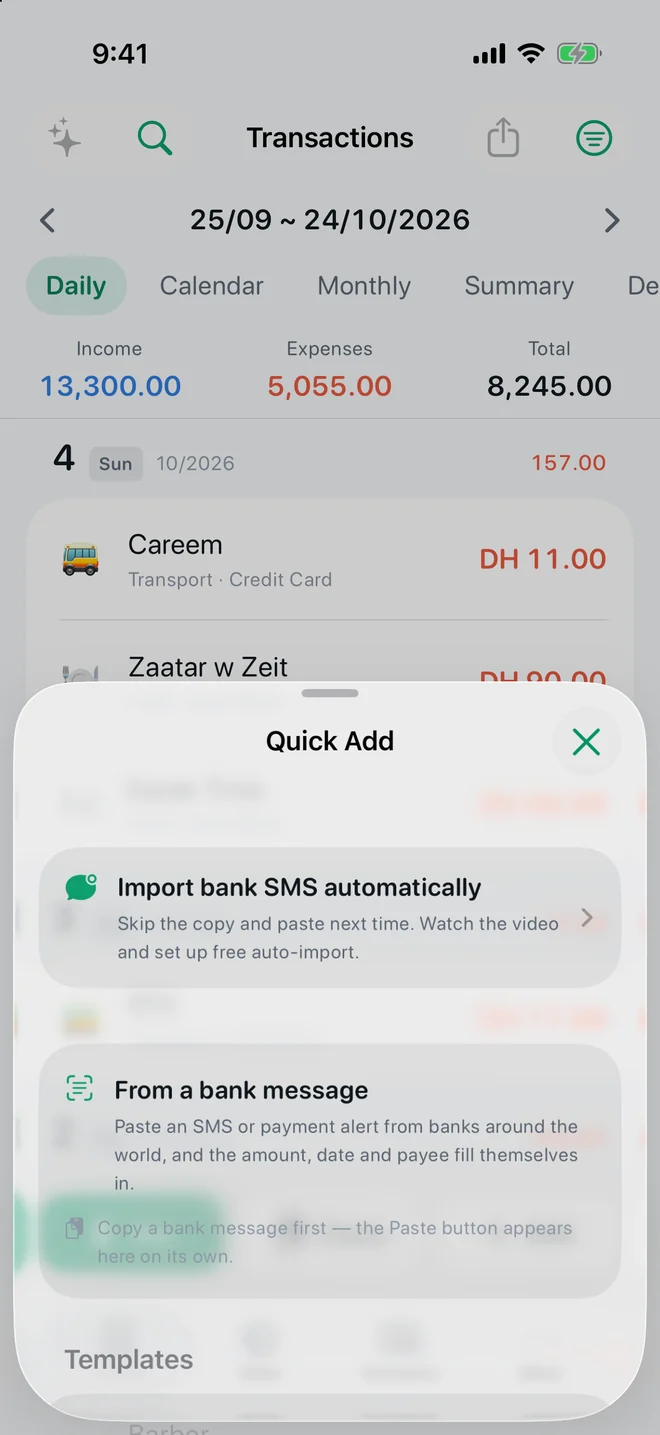
The alert arrives. Your ledger catches up.
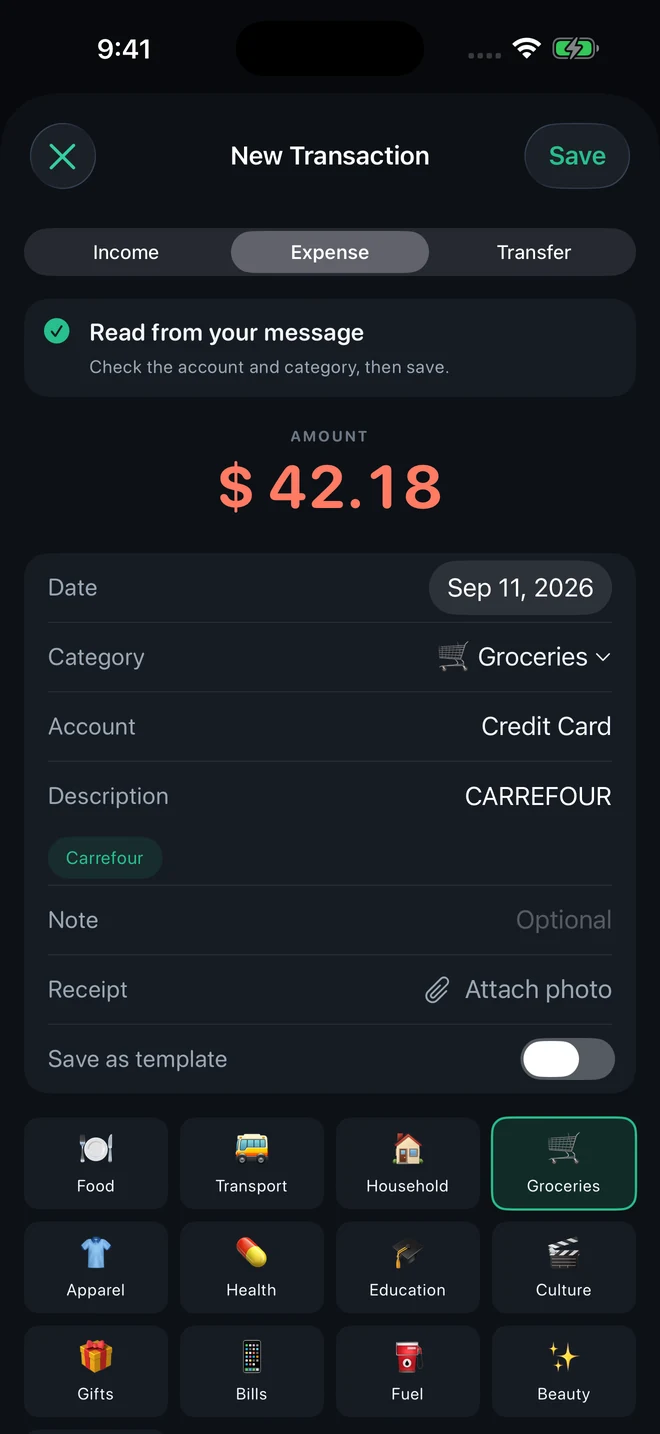
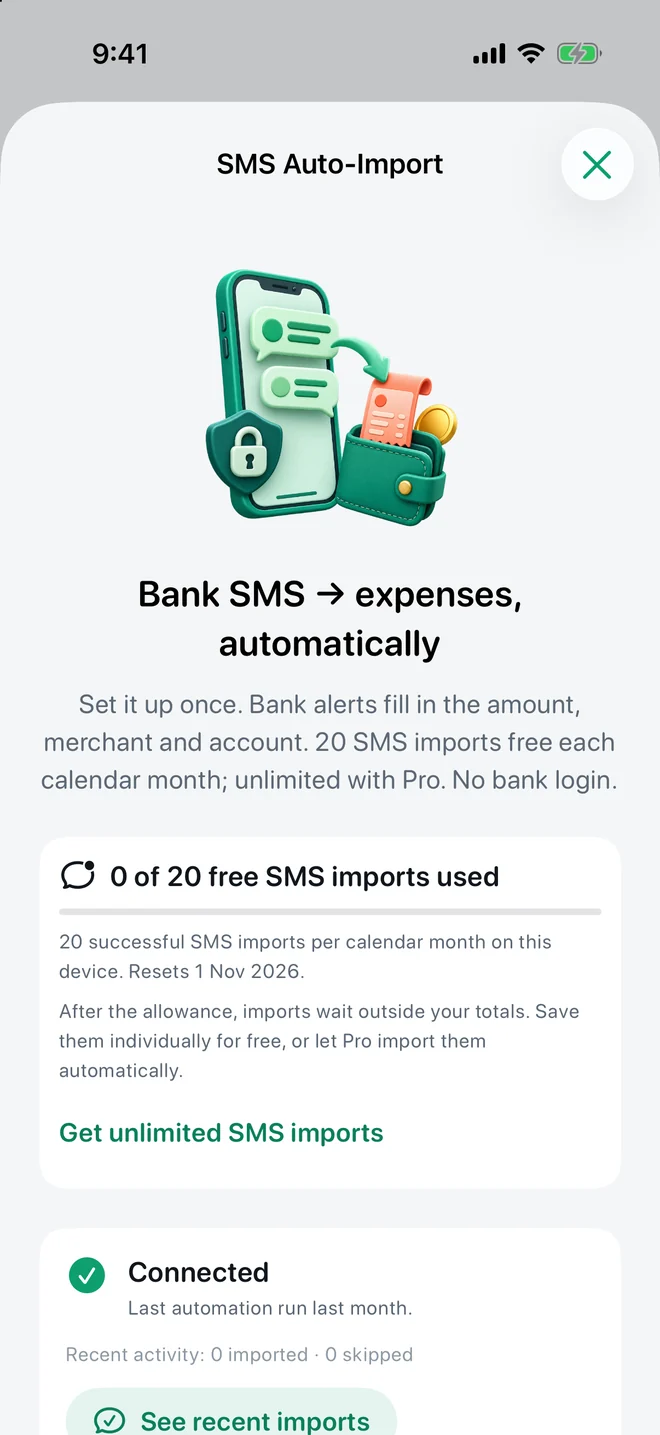
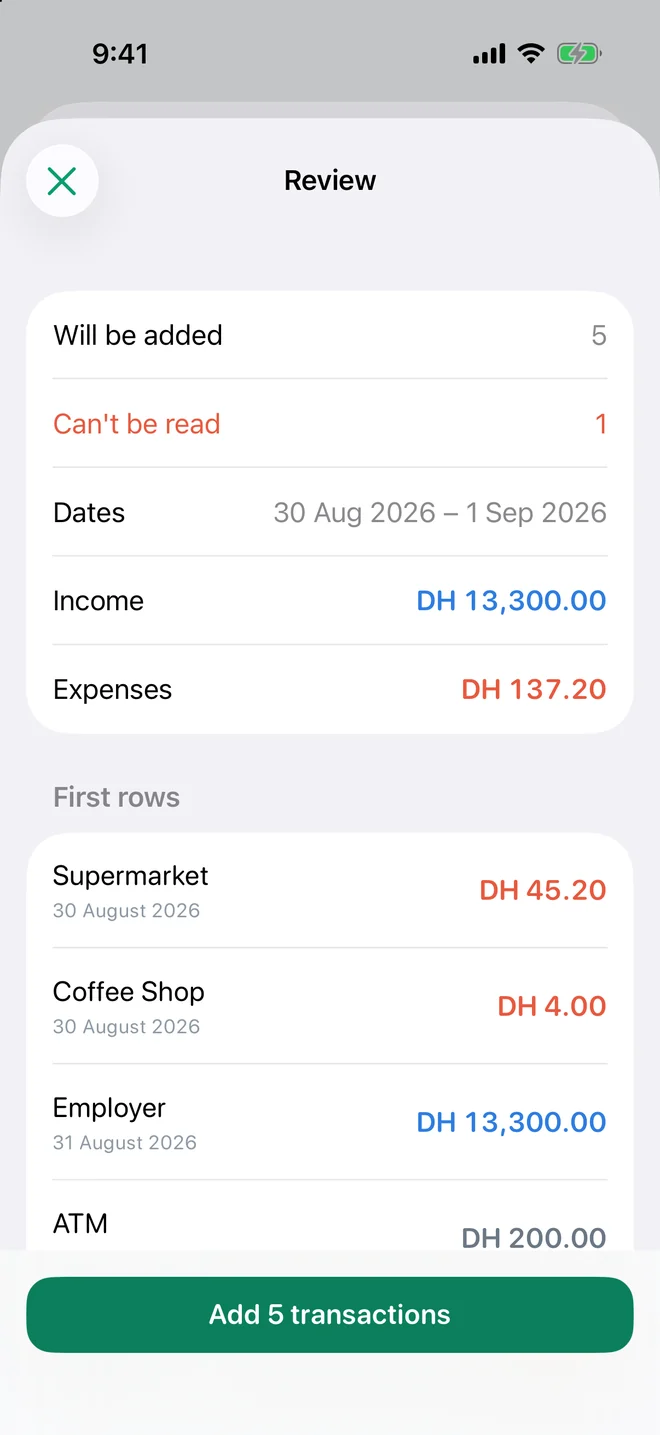
Your bank already sends the details. A Shortcuts Message automation hands supported transaction alerts to TrackExpenses, which reads the amount, merchant, card and date — in English, Arabic and many other languages — and files them for you.
Amount, merchant, account and category
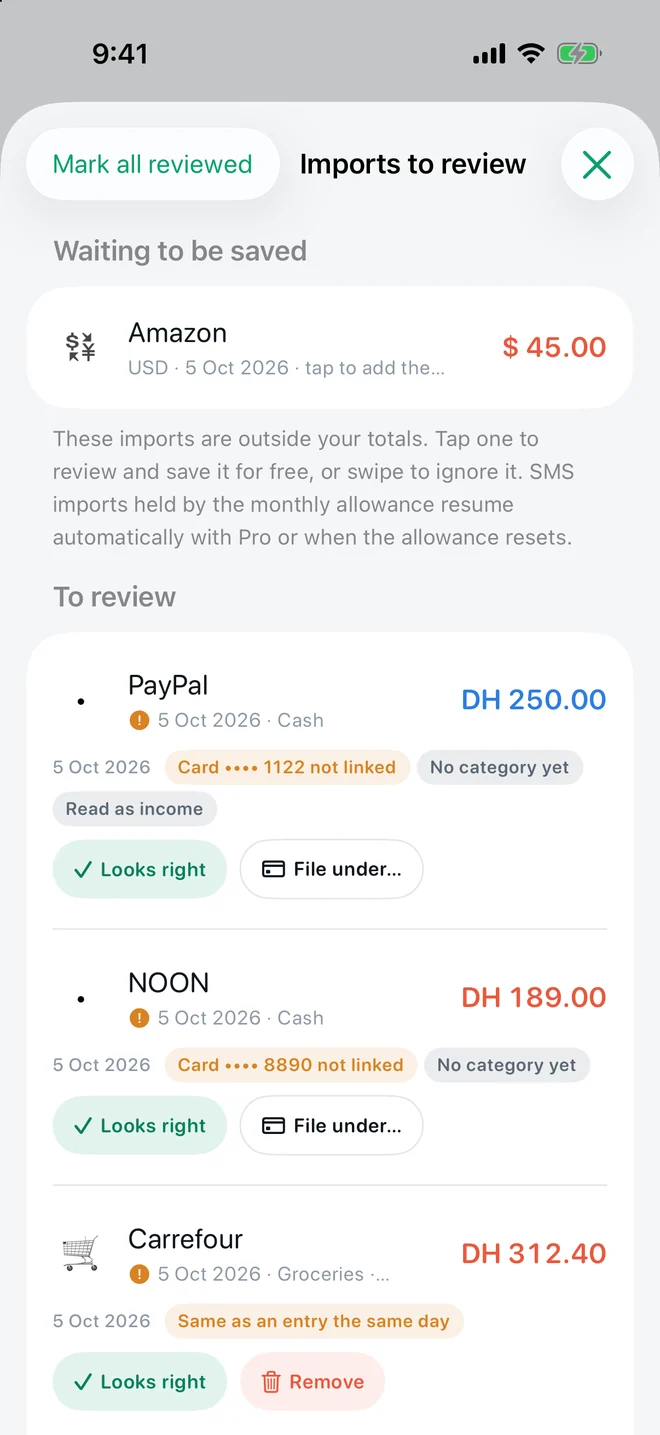
One-time codes and offers are skipped, not imported
Salary credits can arrive as income, flagged for review
Setup required. Free includes 20 successful automatic imports per calendar month per device; Pro removes the limit. Supported alerts only.
Thursday 11 September9:41
YOURBANKnow
Purchase of USD 42.18 at CARREFOUR with card *6878. Avl bal USD 4,120.00
YOURBANKnow
تم خصم USD 18.50 من بطاقتك المنتهية بالرقم 6878 لدى ENOC
YOURBANKnow
Your one-time code is 482915. Never share it.
Skipped · code
YOURBANKnow
Salary of USD 4,800.00 credited to your account ending 4410
Shortcuts automation → TrackExpenses
TrackExpensesToday
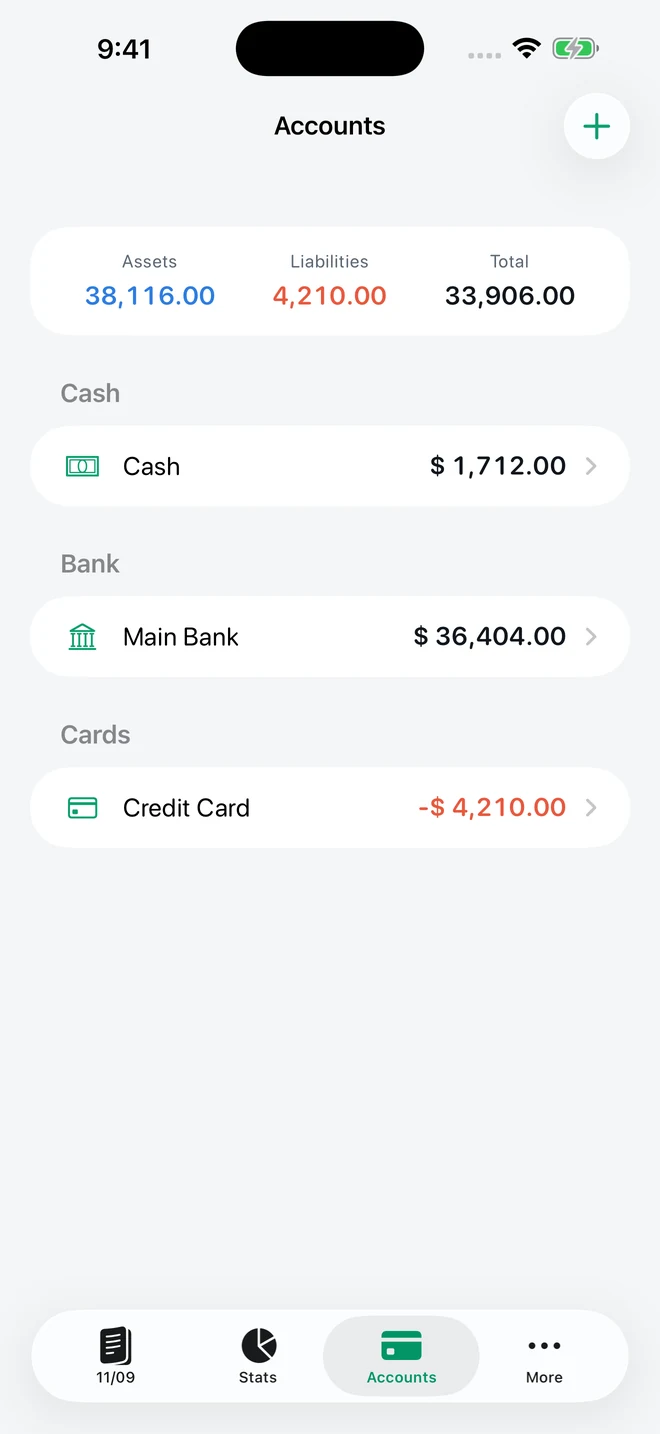
🛒CarrefourGroceries · Credit Card−USD 42.18
⛽ENOCFuel · Credit Card−USD 18.50
💼Salary ReviewIncome · Main Bank+USD 4,800.00
Illustrative animation of bank SMS import. Example messages and amounts.
03 / YOUR PAYDAY FREE
Your salary day. Your month. Your rules.
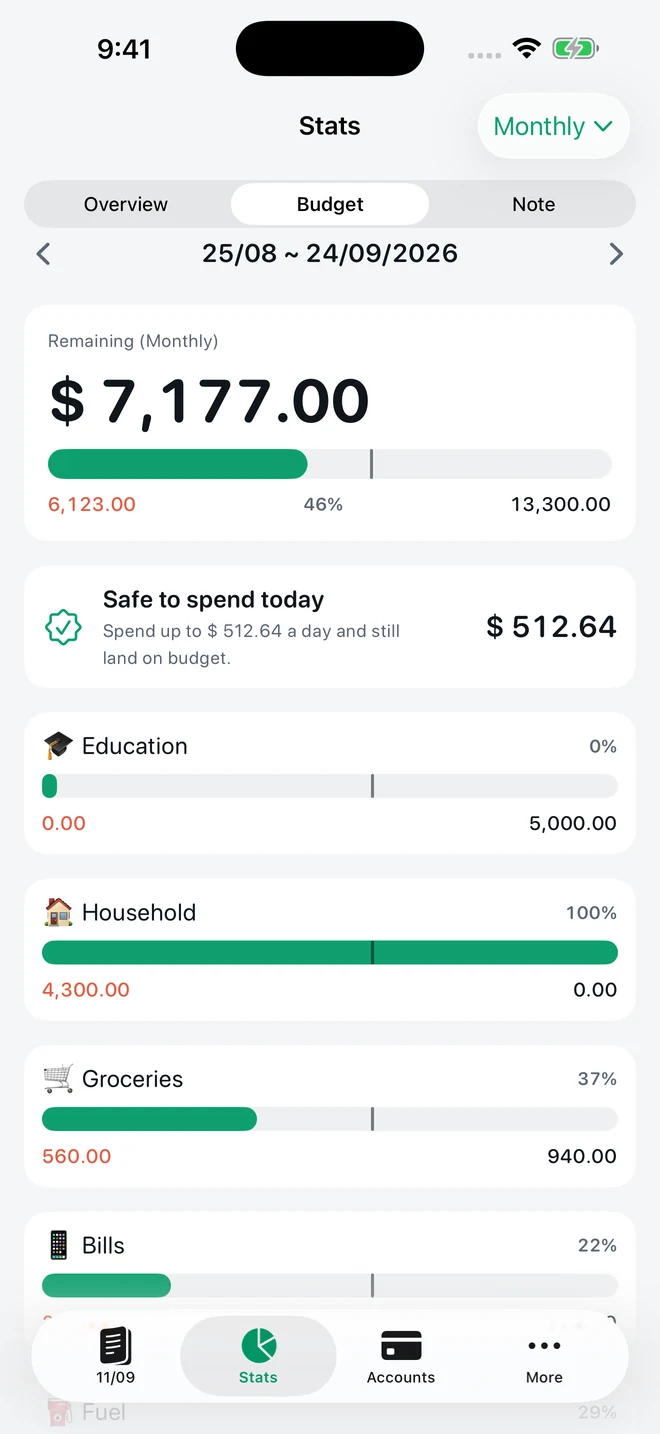
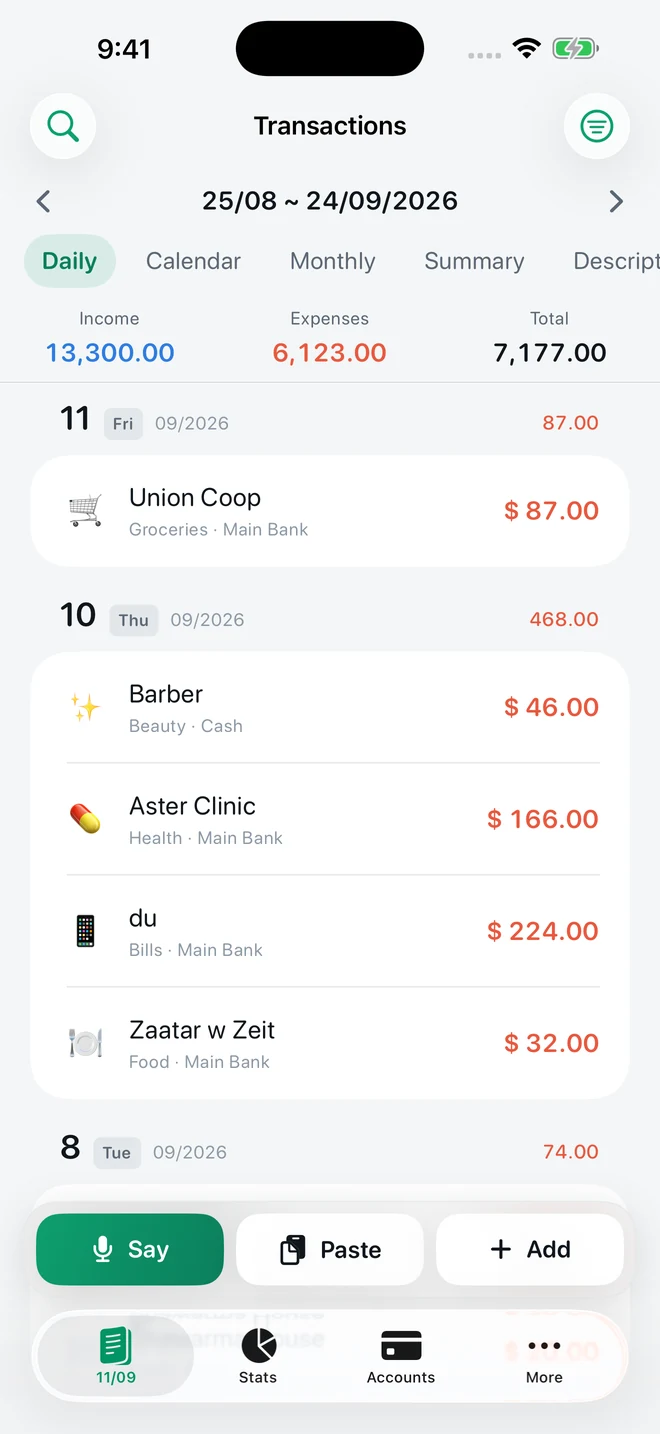
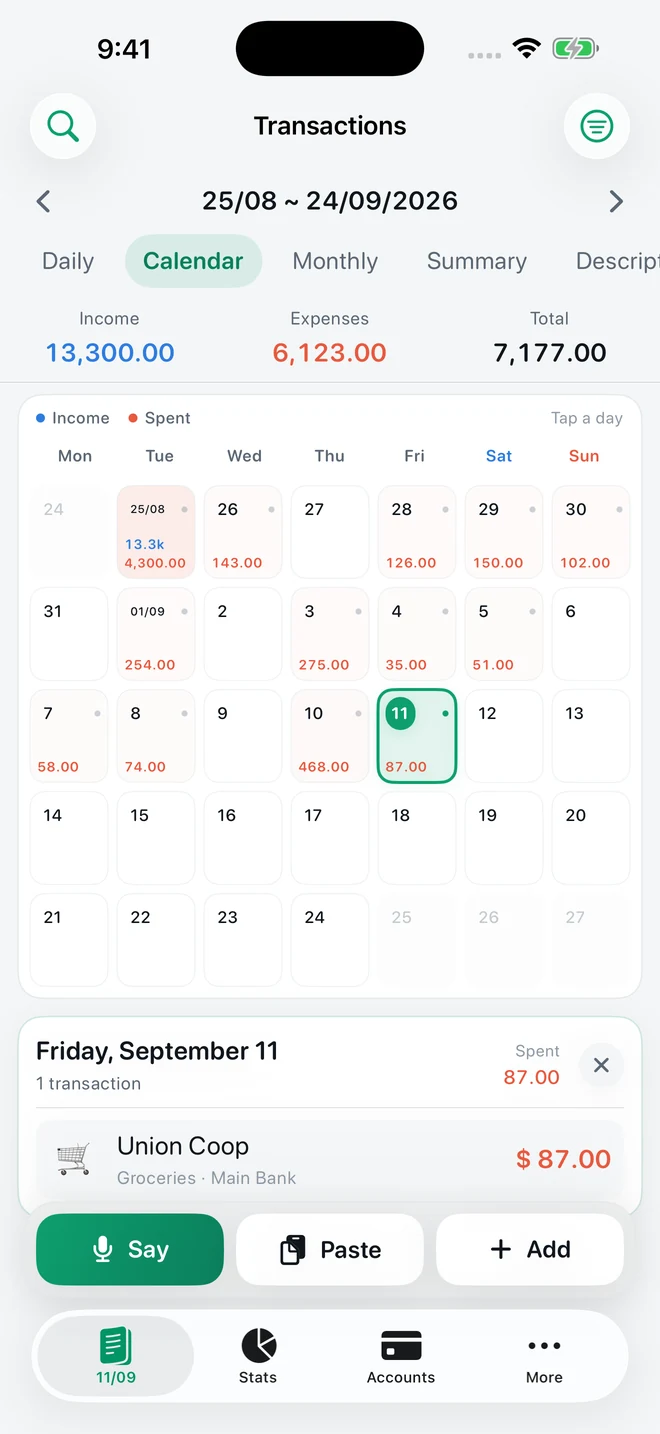
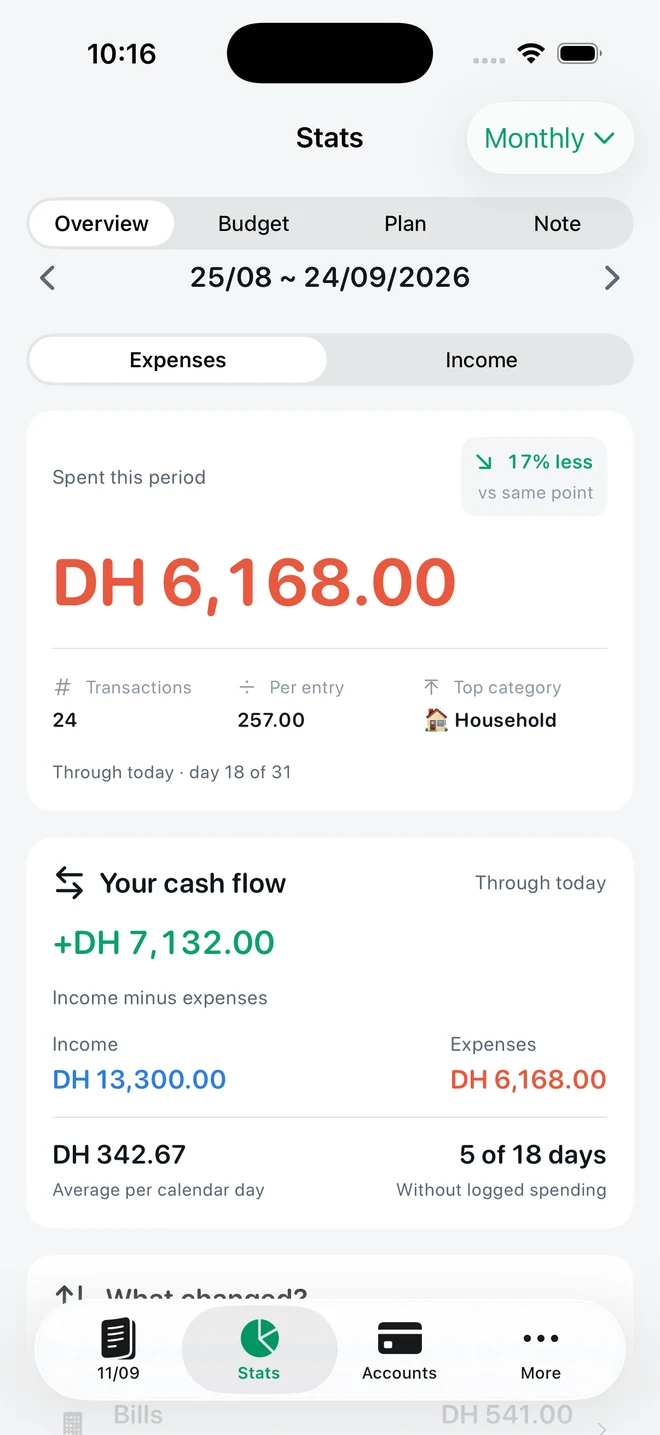
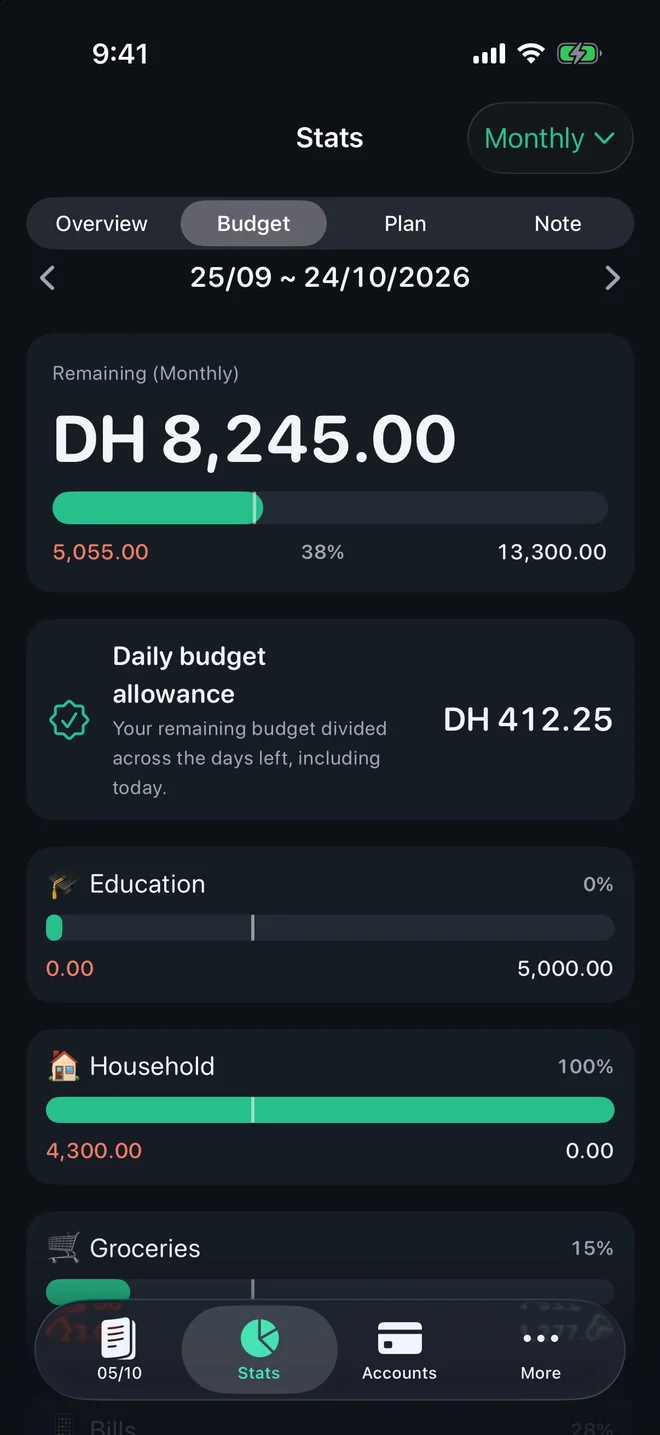
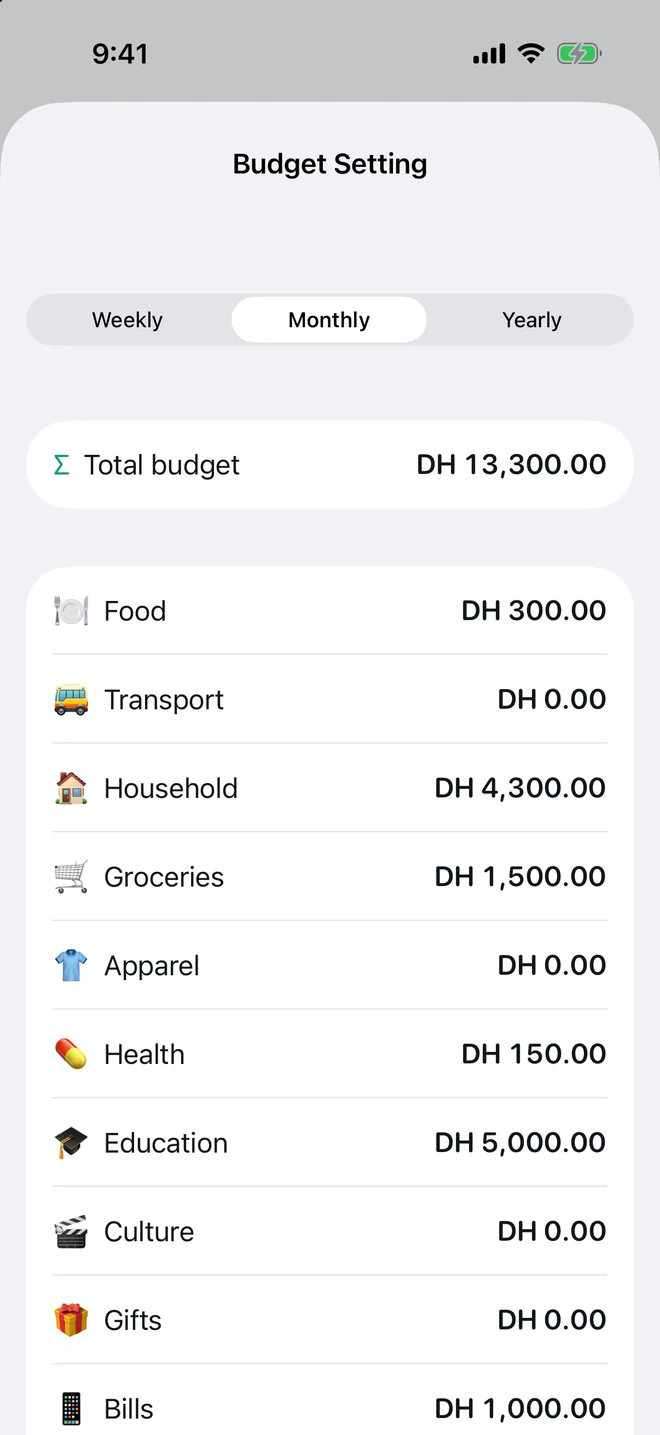
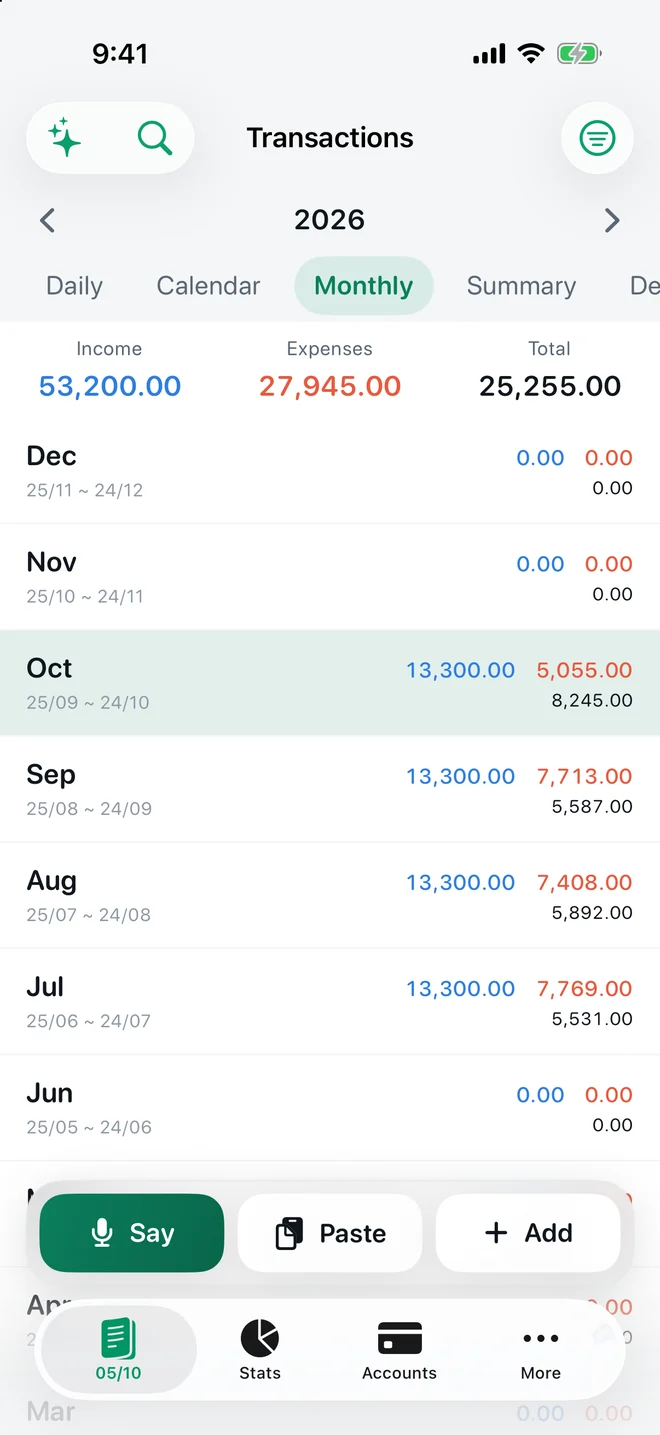
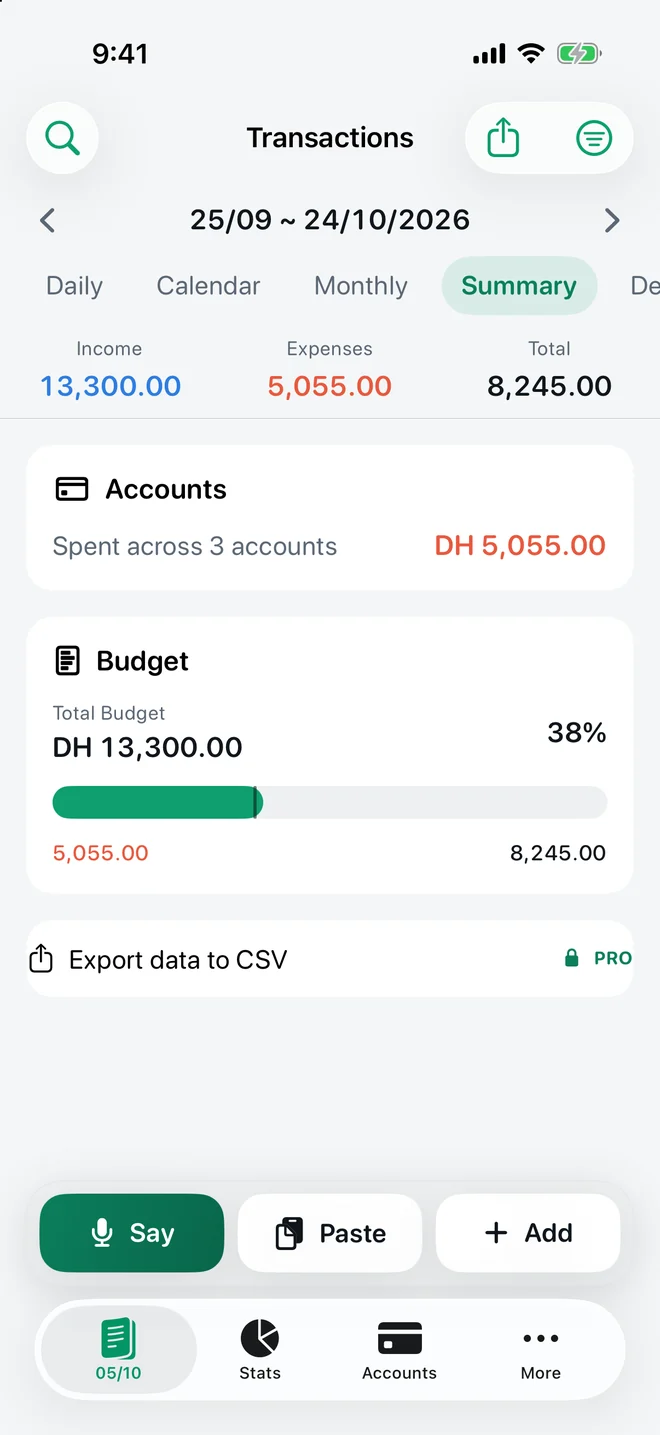
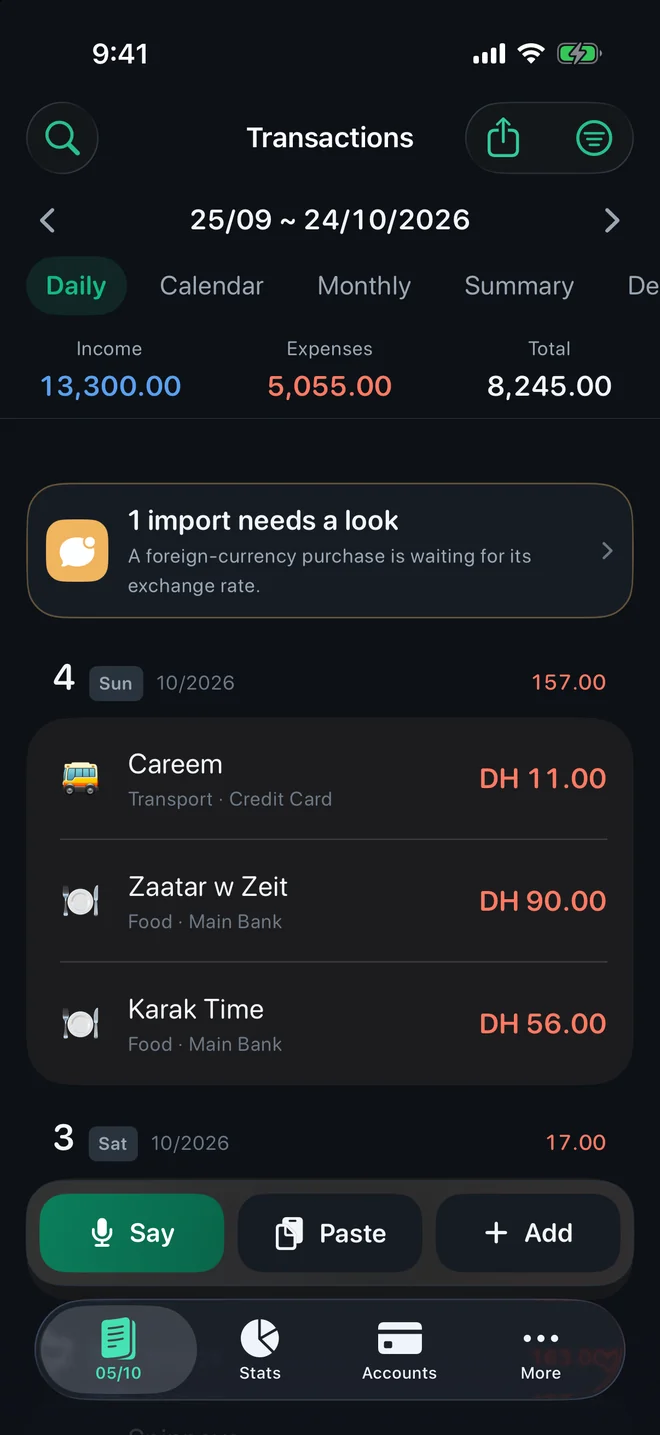
Paid on the 25th? Let your budget month run from the 25th to the 24th. Transactions, category budgets and charts follow the same fixed monthly period — and every budget bar shows where today falls, so 46% spent means something.
How your ledger comes together · illustrative figures
A FEW GOOD QUESTIONS
Before you get started.
Does TrackExpenses connect to my bank?
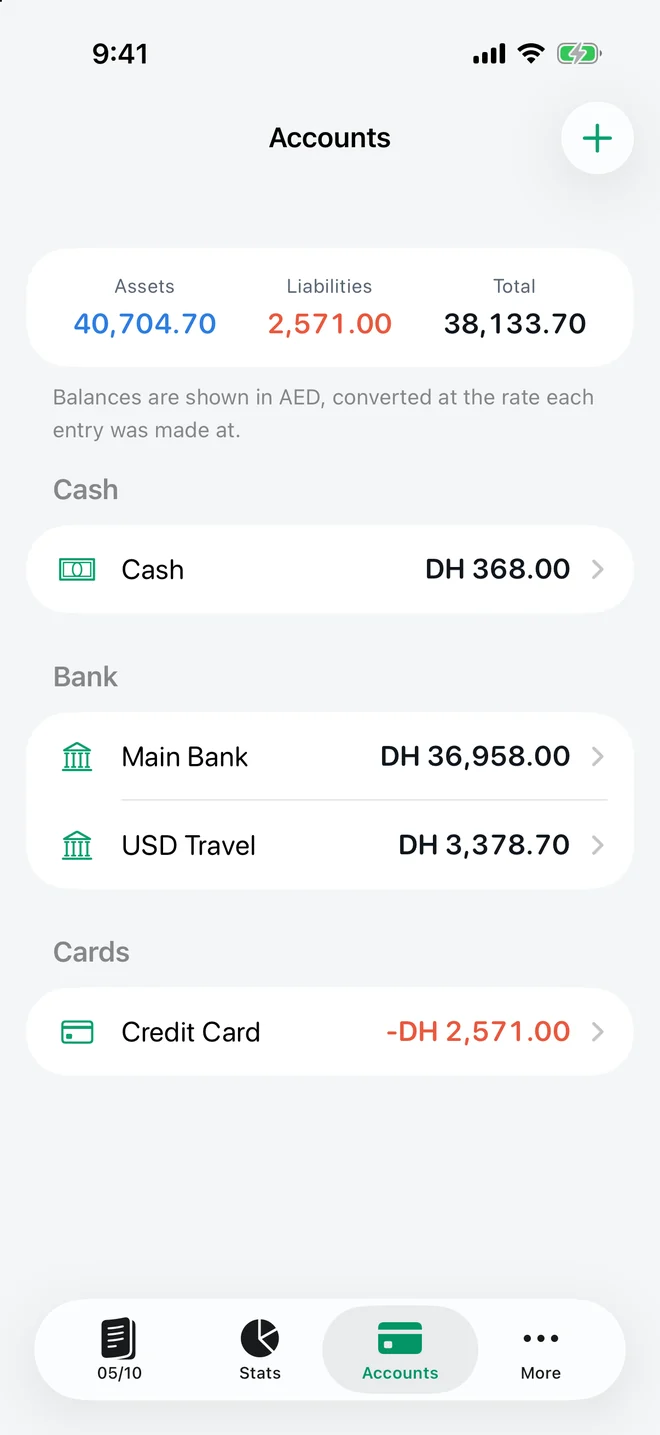
No bank connection or bank login is required. You can enter transactions manually or set up Shortcuts automations for supported bank alerts and Wallet purchases.
Can the app read my Messages inbox?
No. A Shortcuts Message automation passes the supported alerts you choose to TrackExpenses. The app does not read your Messages inbox.
Is Say it available for free?
Say it requires Pro. Speech is processed on your device to create drafts you review before saving. Compatible devices and supported languages are required.
Can my budget month start on payday?
Yes. Choose a fixed monthly start day and your transactions, budgets and charts follow that period. This is a monthly payday period, not a rolling biweekly cycle.
Where is my ledger stored?
Your ledger is stored on your device, with optional private iCloud sync across your own Apple devices. No app account is required. The Privacy Policy explains storage, voice processing and purchase-related data.
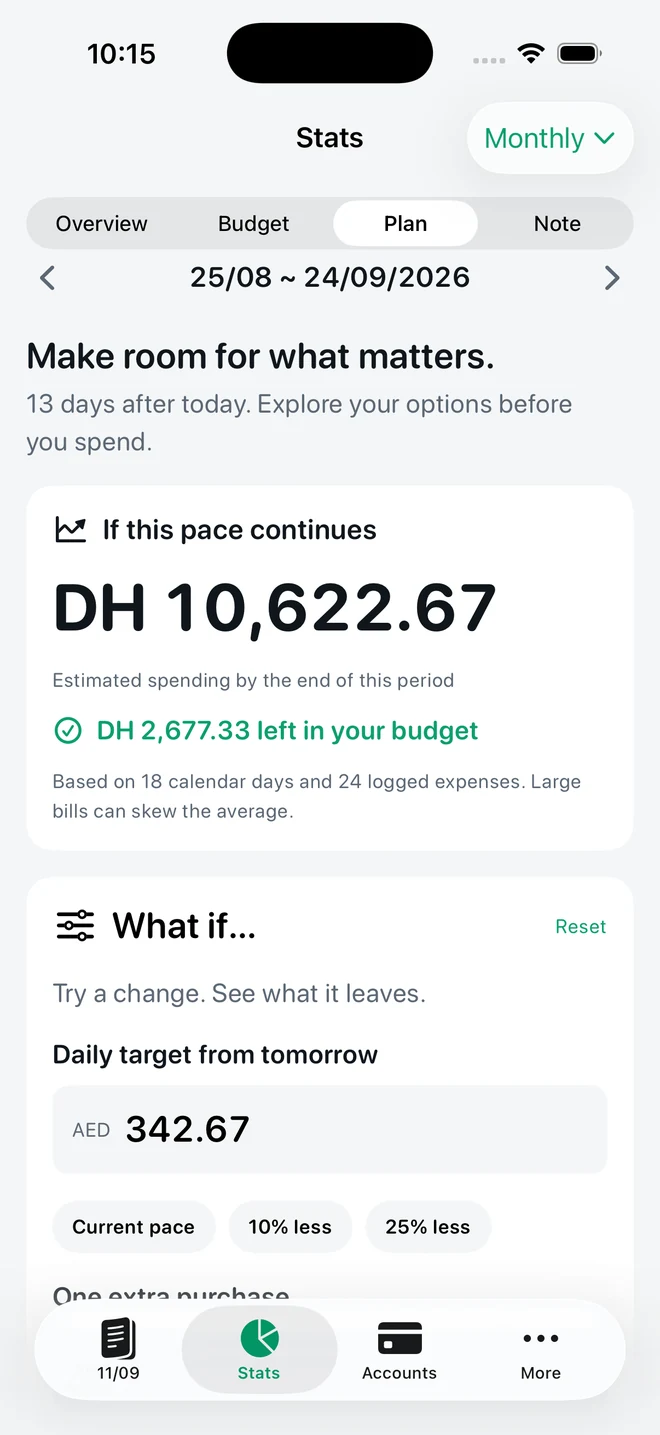
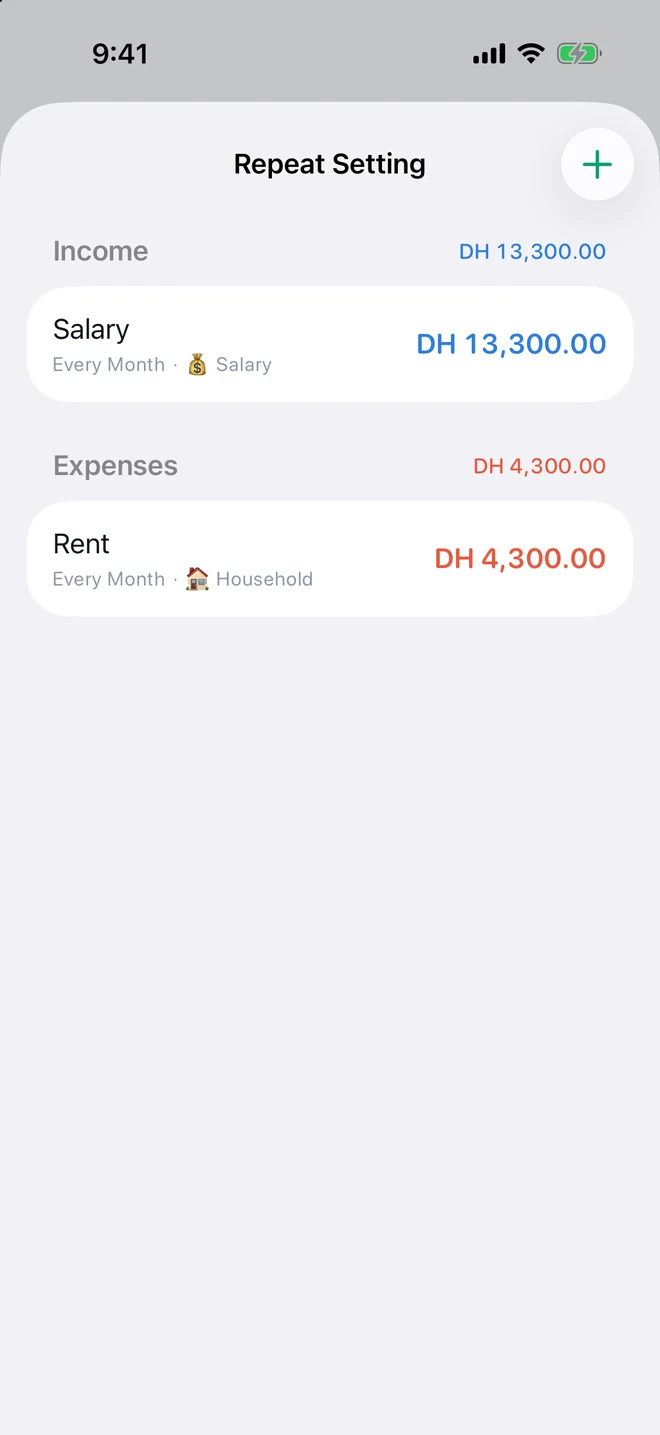
Expense Tracker: SMS & Voice (TrackExpenses) is made by Mohamed Elatabany for iPhone and iPad with iOS/iPadOS 17 or later. The interface is English. No app account or bank login is required. Optional Shortcuts automations import supported bank SMS and Wallet purchases; the app does not read your Messages inbox. Voice entry creates on-device drafts on compatible devices and languages and requires Pro. The free ledger includes unlimited manual transactions, budgets, historical stats, search, monthly CSV export, private iCloud sync, 3 accounts, 3 recurring rules and 20 successful automatic bank SMS imports per calendar month per device. Pro adds unlimited SMS imports, accounts and recurring rules, forecasts, daily budget guidance, what-if planning, voice entry, CSV import, date-range CSV exports, full JSON backup and restore, themes and alternate icons. Monthly and annual subscriptions and a one-time lifetime purchase are available. Spending calculations depend on your records and are not financial advice.